Suneung wallpapers — D-day lock screen and amulet images
The D-day wallpaper comes in lock-screen size; the name amulet saves as a card or 9:16 story image you can use as a background. All free.
Suneung D-day wallpaper
Make a lock-screen-sized image with the exam date (Nov 19) and a cheer line. There's no D-day number, so it never goes out of date — check the days left in the morning alert or on the Suneung page. The clock and shortcut areas are left clear.
Top and bottom are left empty for the clock and shortcuts
Amulet card & story image
Save an amulet with a name (initials) and goal as a card or 9:16 story image. It isn't lock-screen sized, so adjust the position when using it as a background.
Amulet wallpaper samples
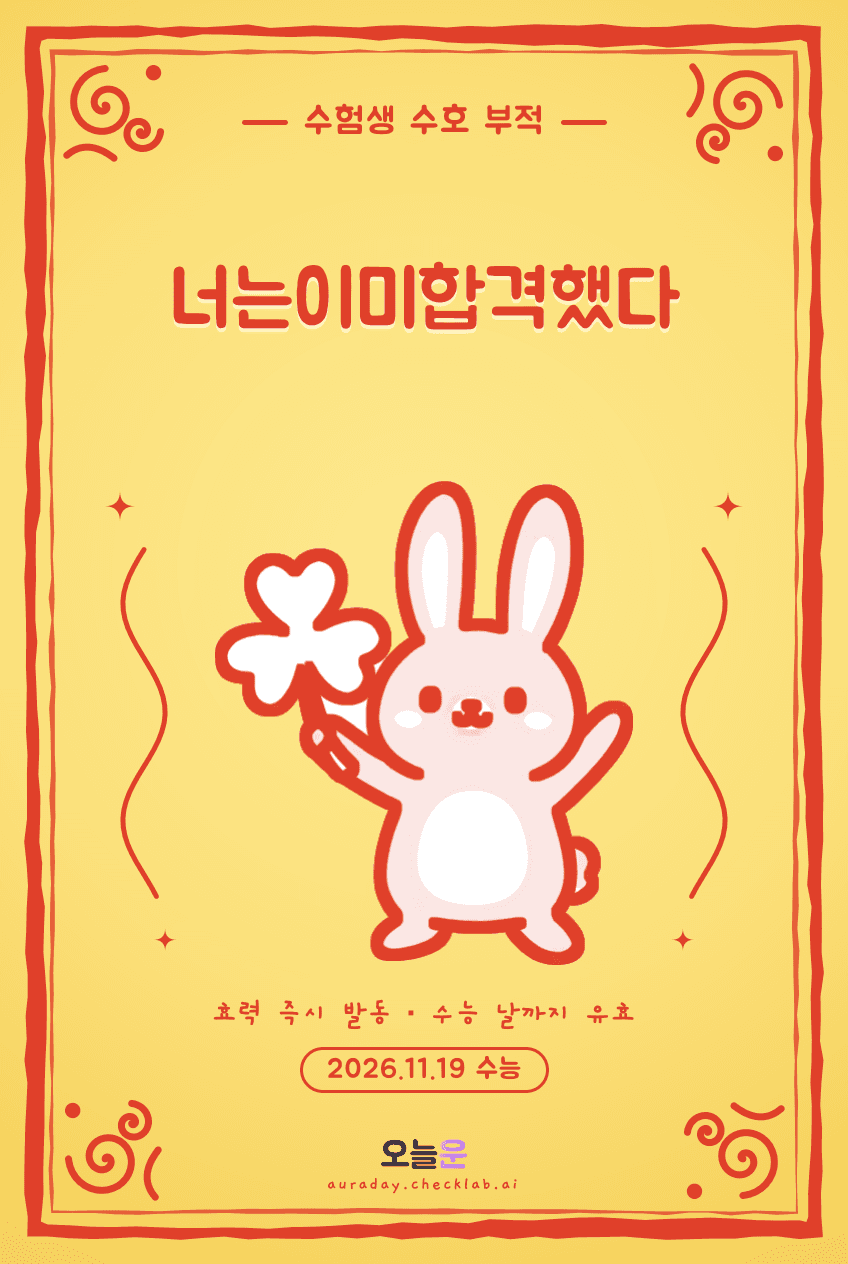
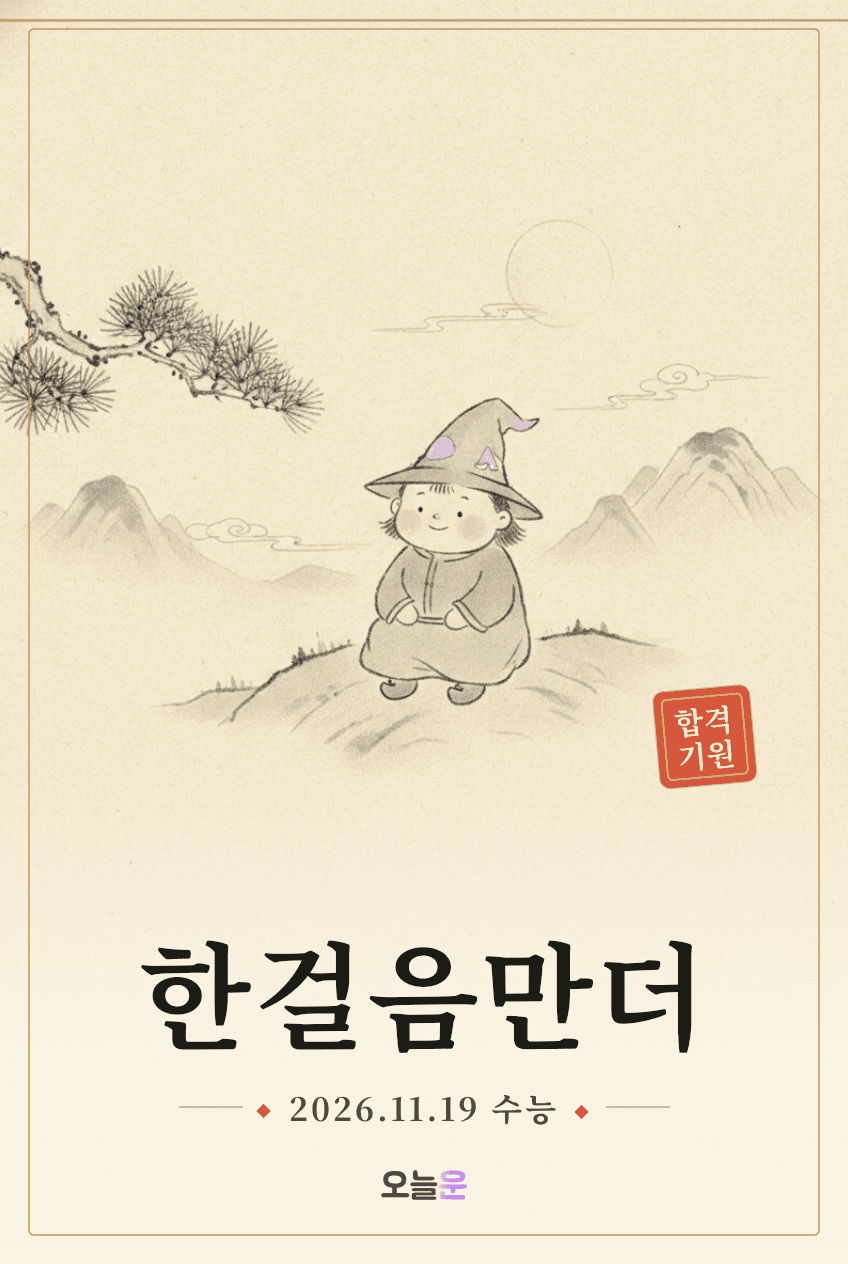
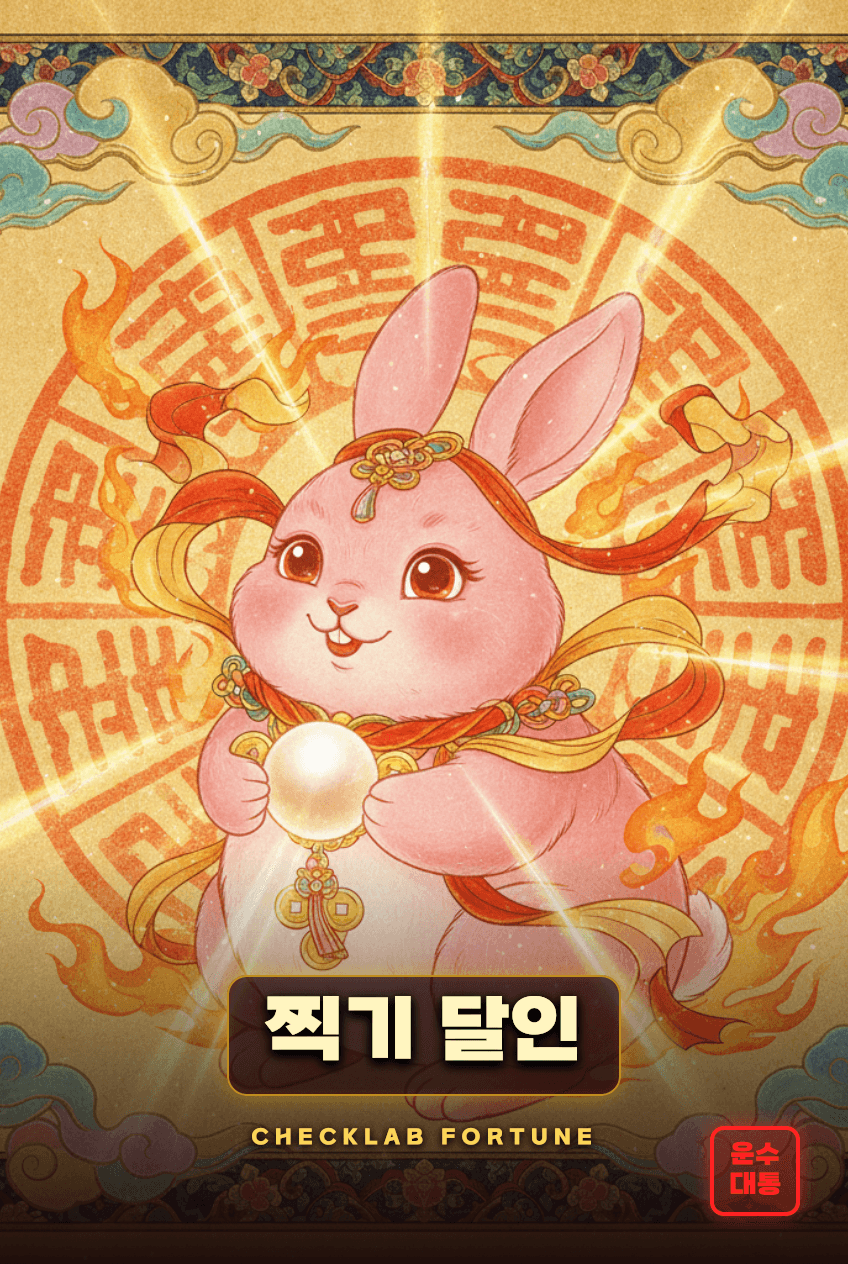
Samples made with the AI pass amulet. Make your own amulet image with a name and message above.
Setting a lock-screen wallpaper (iPhone & Android)
Saved wallpapers can be set right away with your phone's built-in tools.
- iPhone: open the image in Photos, tap Share → Use as Wallpaper. You can also long-press the lock screen and tap + to add one.
- Galaxy: open the image in Gallery, tap More (⋮) → Set as wallpaper → Lock screen.
- Other Android phones: pick a photo from the Wallpaper menu in Settings. Menu names vary by maker.
A layout that doesn't hide behind the clock
The clock and date take the top of the lock screen, while the flashlight, camera and notifications take the bottom. Keep must-see text like the exam date or a name slightly below the center.
The same rule applies when editing your own photo: key text in the middle, decorations toward the edges. You can pinch and drag on the setup screen for fine-tuning.
Picking a motivation wallpaper
- One big date: a large exam date keeps the goal in mind every time you unlock.
- Short resolutions: an action like "3 mistakes today" sticks longer than a long quote.
- Dark background: easier on the eyes at night, and light text stays crisp.
- Change by stage: switching wallpapers at D-30 or D-7 gives a fresh start.
Suneung wallpaper FAQ
- Q. Are the wallpapers free?
- Yes. Making the D-day wallpaper and amulet images is free, and you can use saved images as your lock screen.
- Q. Will it fit my phone?
- The D-day wallpaper is made in a tall lock-screen size (1170×2532). The amulet is a card or 9:16 story image, so drag or pinch on the setup screen to fit it as a background.
- Q. Does the D-day number update itself?
- The wallpaper shows the exam date (Nov 19) instead of a D-day number, so it never goes out of date. Check the days left in the morning alert or on the Suneung page.
- Q. Is there a timetable wallpaper?
- The periods 1–5 timetable is on the Suneung timetable page. Take a screenshot to use it as a wallpaper.