Make a Suneung amulet with your name
Enter the student's name and a cheer phrase, and your own Suneung amulet is ready. Save it as a card or a 9:16 story image to use as a phone background, or send it on KakaoTalk.
Free Suneung amulet maker
Add a name (initials are fine) and a one-line goal, then save it as an amulet card or a 9:16 story image. The story image works well as a phone background.
🍀 Free amulet card vs. AI pass amulet
The free card carries the student's name; the AI charm carries their worry and wish. Pick the one that fits.
Free amulet card
- · Add a name and a cheer line to a ready-made background
- · Save as an amulet card or 9:16 story image
- · Free with no login, KakaoTalk sharing included
AI pass amulet (paid)
- · A one-of-a-kind amulet AI draws from your worry and goal
- · Two exam-season styles: pastel and modern hanji
- · Make it with keys, or with a one-time payment (no login needed)
What an AI pass amulet looks like

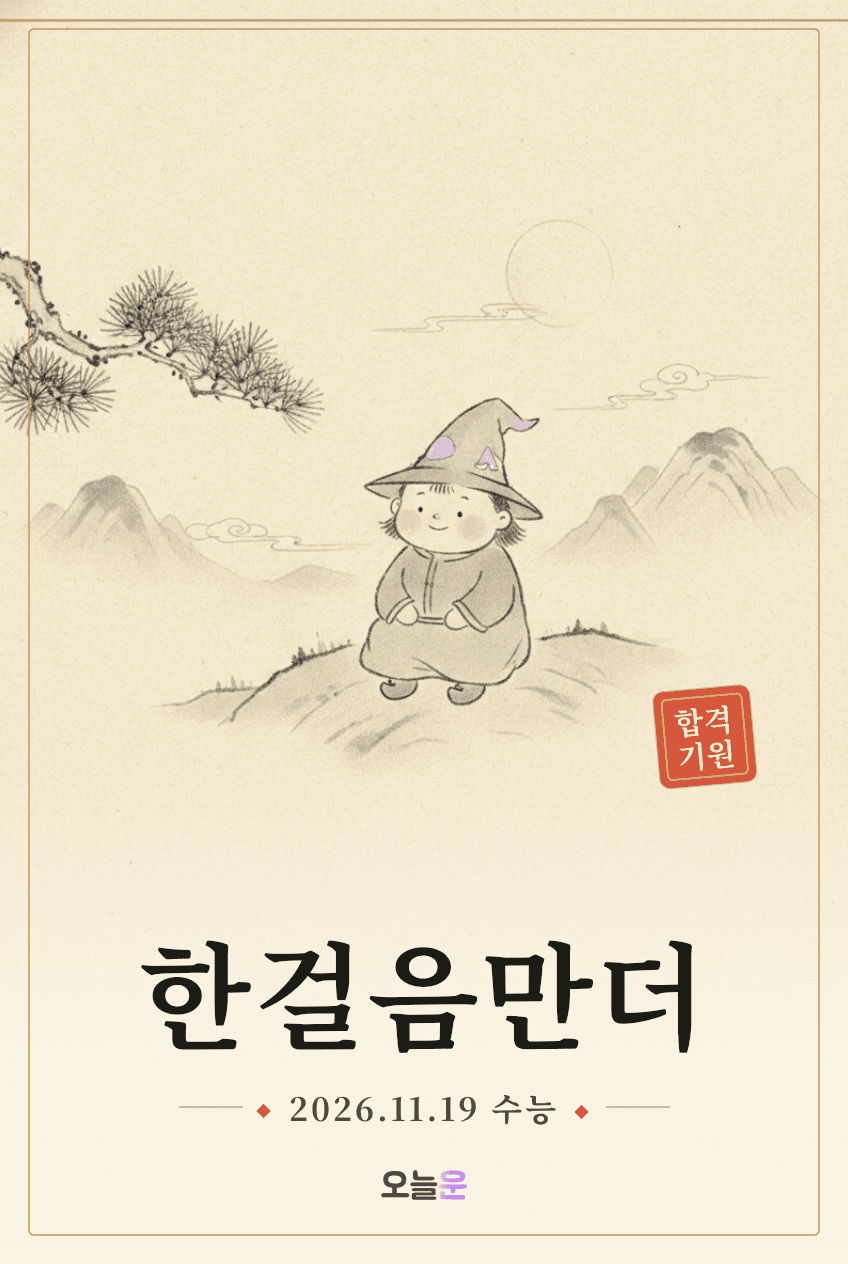
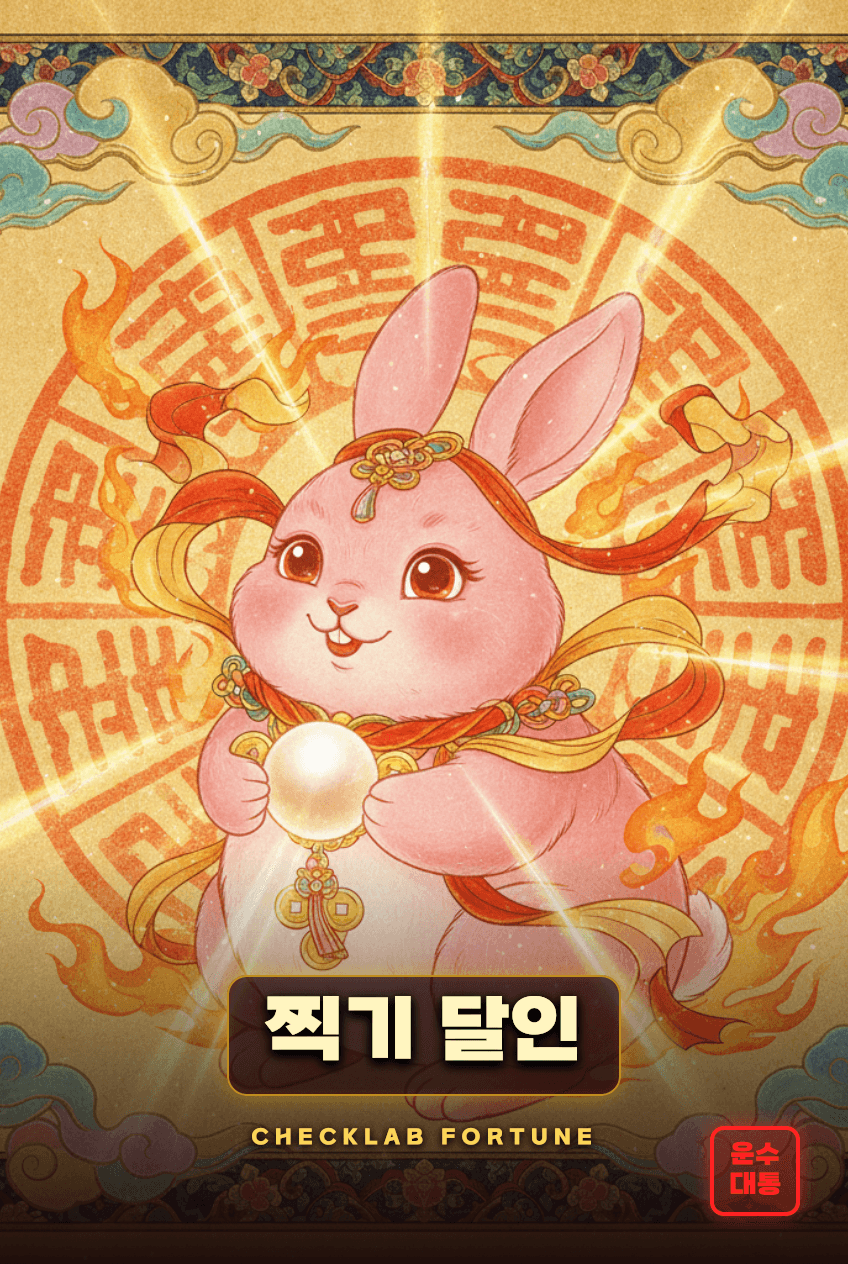
These are AI amulet samples. Your result depends on the worry and goal you enter.
What a Suneung amulet means
A Suneung amulet is a small token of support for students facing the exam. People used to exchange paper charms, taffy or sticky rice cakes; today many share digital pass amulets as phone wallpapers or chat images.
An amulet won't raise a score. It can, however, be a cue that reminds you to solve just one more problem today. Keeping a goal where you can see it makes it easier to act on, so think of the amulet as your own little notice board.
How to make a Suneung amulet
- 1Enter the student's name in the tool above. If you plan to share it, initials or a nickname are enough.
- 2Write one line of goal or resolution. The more specific, like "one grade up in Korean", the more it helps.
- 3Pick a design you like and save it as an amulet card or a story image.
- 4For a special one that carries your worry too, have AI draw a pass amulet.
Setting a pass amulet as your wallpaper
- iPhone: open the saved amulet image in Photos, tap Share → Use as Wallpaper, and nudge it down so it doesn't clash with the clock.
- Galaxy: open the image in Gallery, tap More (⋮) → Set as wallpaper → Lock screen.
- The clock and notifications cover the top, so keep the name and text slightly below the center.
Getting more out of your amulet
- Look at it before you start studying and write down three things to do today.
- Swap the line for a new resolution each time the D-day stage changes.
- Make one with a friend's name and send it — cheering each other on helps both of you.
- Phones can't be used on exam day, so take one look the night before and settle your mind.
Suneung amulet FAQ
- Q. Is the amulet maker really free?
- Amulets from the maker above are free, and so are the card and story-image downloads. Only the AI pass amulet, which reads your worry and draws a new image, is a paid feature — made with keys or a one-time payment.
- Q. Do I need to use a real name?
- No. For a shareable image, initials or a nickname are enough. Leave out personal details like the exam number.
- Q. Will the amulet help me score better?
- It's for encouragement and fun, and has nothing to do with results. It works best as a cue to remember one study task for today.
- Q. The lock-screen clock covers my amulet.
- Move the image so the name and text sit slightly below center. On iPhone you can drag the image on the wallpaper setup screen.
- Q. How do I send an amulet to a friend?
- Save it as a share card after making it and send it on KakaoTalk. Add a line of cheer for an extra touch.